Sometimes a receipt imports with merchant, date, and total but no line items. A few reasons.
Why it happens
The original receipt was low quality. Faded thermal paper, crumpled, partial image, angled shot. AI could read the merchant and total (big clear text at top and bottom) but couldn't parse the middle.
The receipt is aggregate-only. Some receipts (gas pumps, parking, vending) only show an amount, no breakdown. There are no items to extract.
The PDF was a summary. Some email receipts are "Thank you for your order of $42" with no itemization.
What you can do
Add items manually
Open the receipt, click into edit mode, click Add item. Enter description, quantity, and unit price for each line. Each line total auto-calculates from quantity × unit price, and you can override it directly. The overall receipt total is a separate editable field and doesn't auto-recompute from items, so adjust it separately if needed.
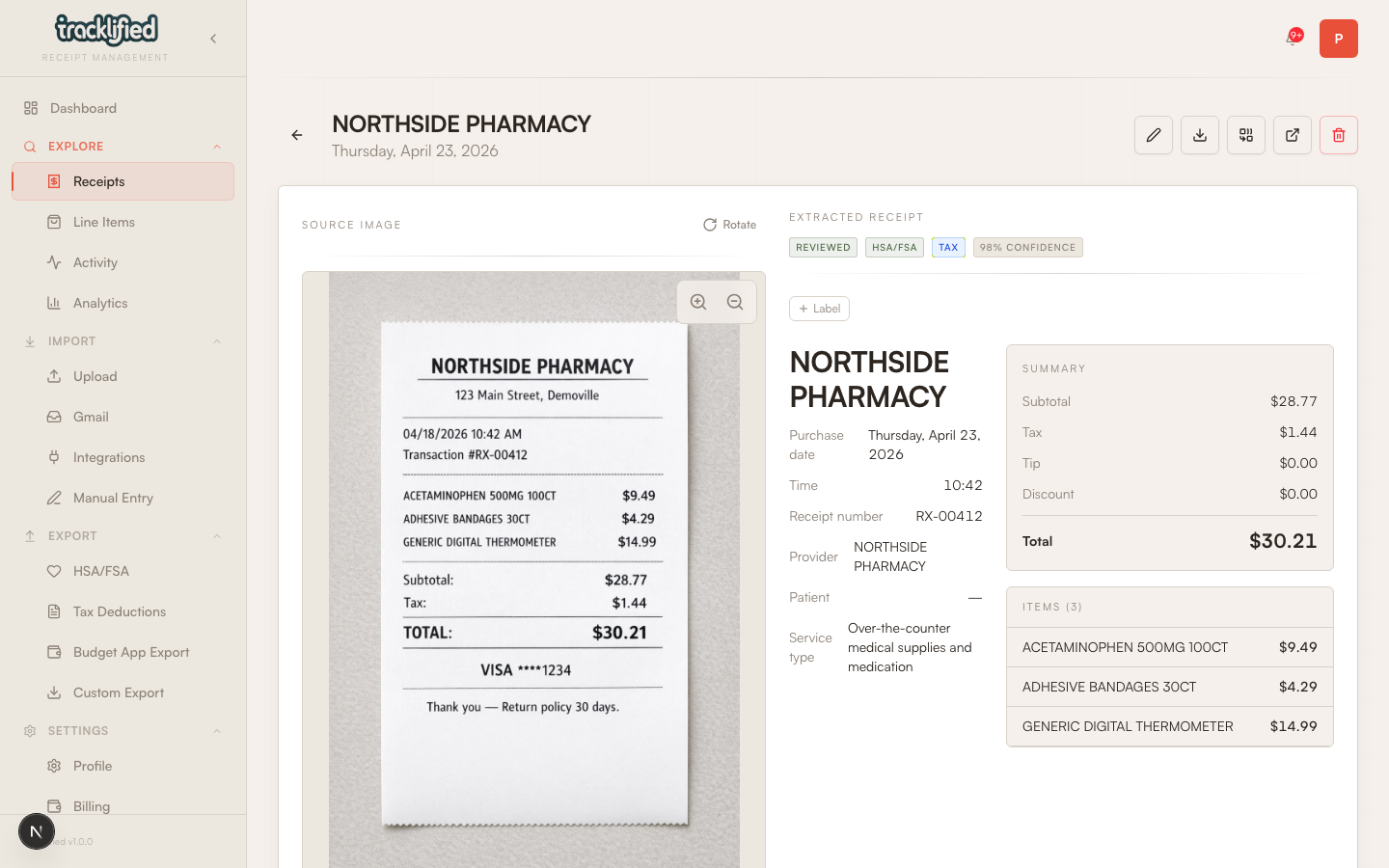
Useful if you remember what you bought and want the record to be complete (especially for HSA or tax purposes where itemized proof matters).
Re-upload
If the original receipt is still available, take a better photo and re-upload. Delete the bad one using the delete/trash action on the receipt detail view first.
Does it matter?
For casual tracking: no. The total is enough.
For HSA / FSA reimbursement: yes, most administrators want itemized proof.
For taxes: itemized records are standard. Adding items manually after the fact is fine.
When to give up
If the original is long gone and you don't need itemization for your use case, leave it and move on. Not every receipt needs to be perfect.