When you sign up, you get an email address at @tracklified.com. Use it instead of your personal email whenever a store asks for one.
Find and copy yours on the Integrations page.
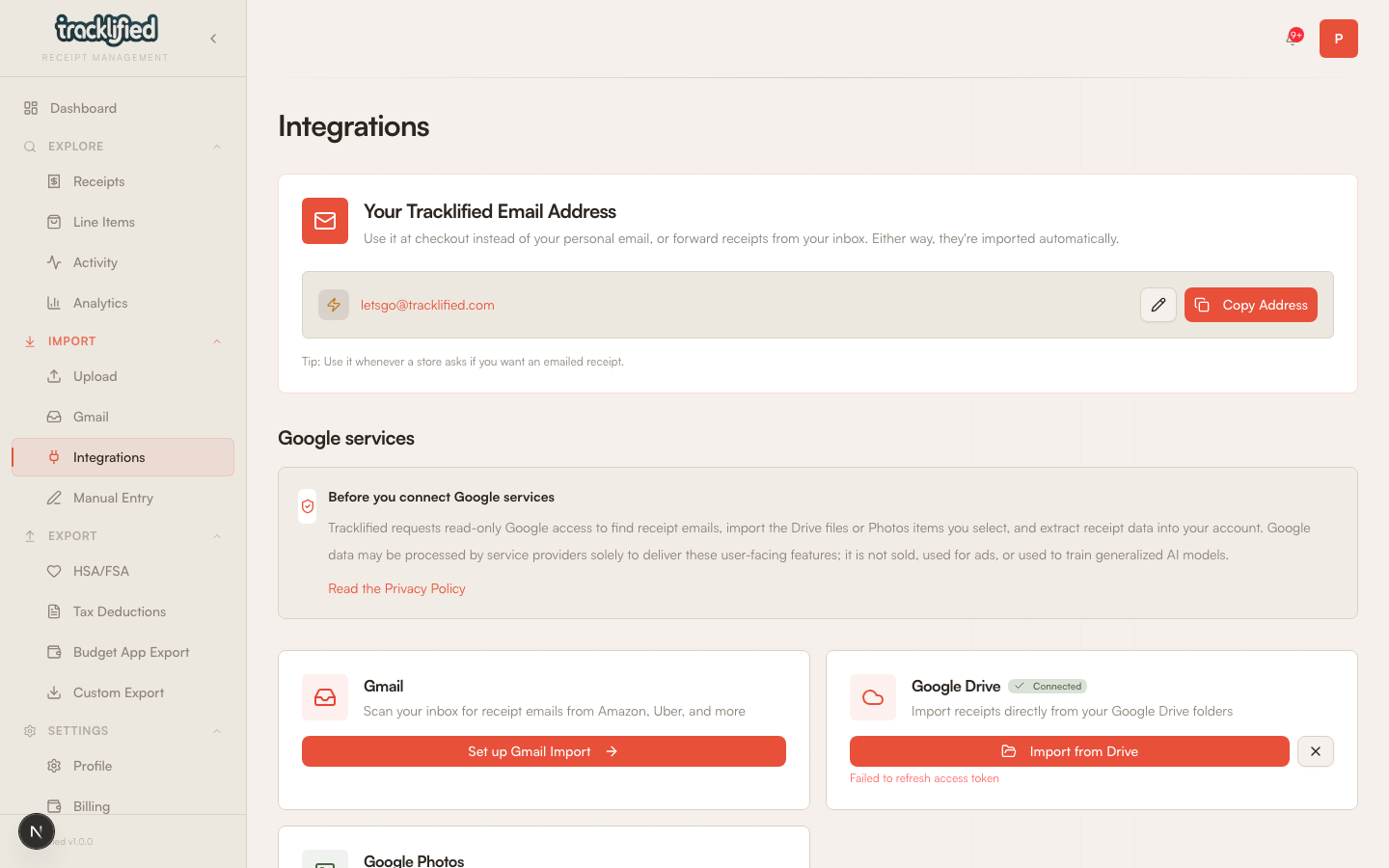
Where to use it
- At the register, when a cashier asks "email for the receipt?"
- Online checkout, in the email field if you don't want to give your personal address
- Forward receipts from any inbox directly to it
When a store emails the receipt to this address, Tracklified pulls out the data and saves the receipt to your account. No action needed on your end.
Customizing it
Don't like the default? Edit the local part to something you'll remember. Click the pencil icon on Integrations to change it.
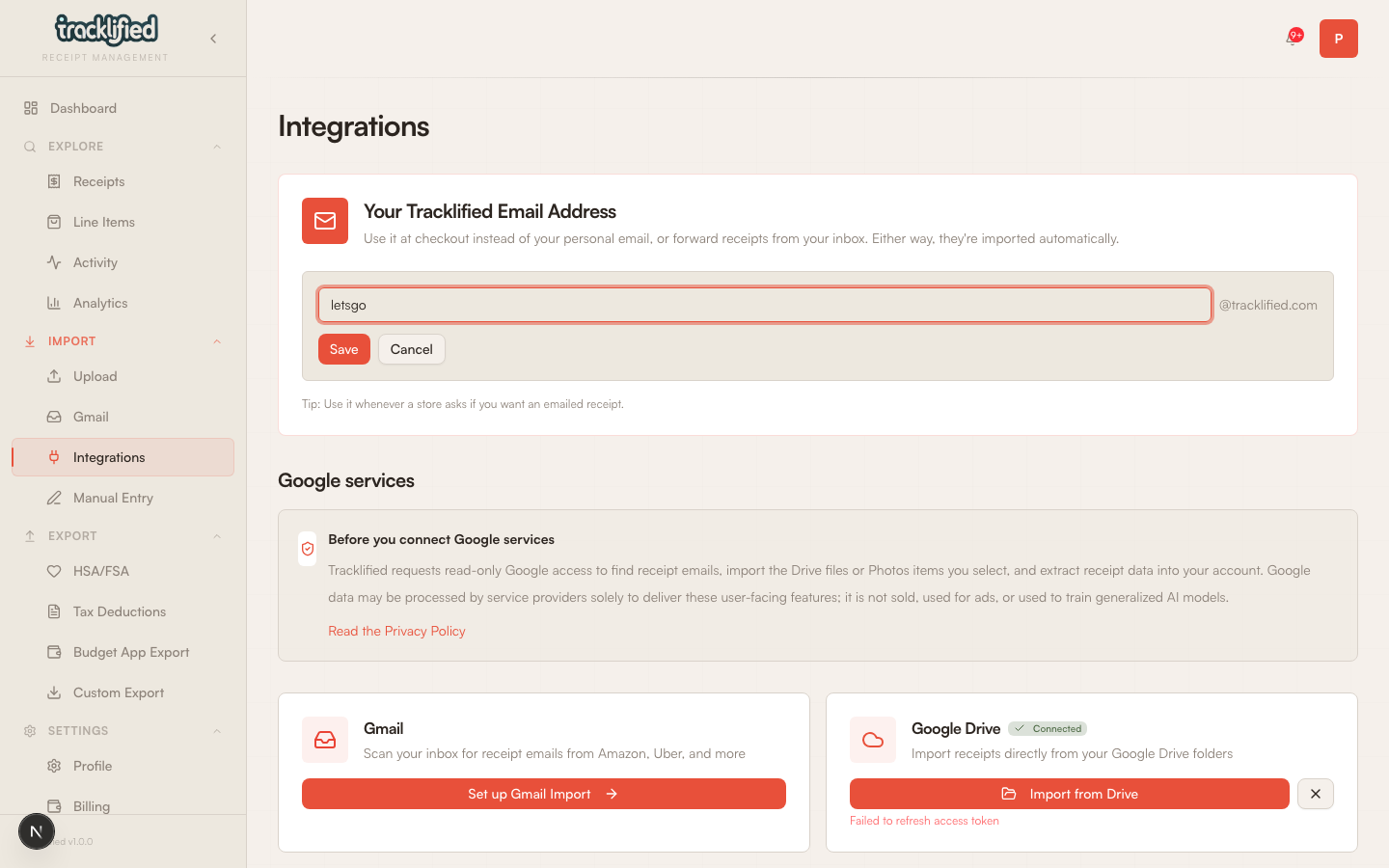
The custom part has some constraints:
- 5 to 30 characters
- Lowercase letters, numbers, dots, and hyphens only
- Can't start or end with a dot or hyphen
- No consecutive dots or hyphens
- Can't be a reserved name
- Must be available (someone else isn't using it)
Pick something short and easy to spell out loud at the register. You can change it later if it stops working for you.
What happens to email sent there
Anything sent to your Tracklified address is processed as a potential receipt. Whether a given email becomes a receipt in your account depends on what the AI can extract.