You can delete your account permanently from the Settings page.
How to delete
- Go to Settings
- Scroll to the Delete account section
- Click the button
- Confirm when prompted
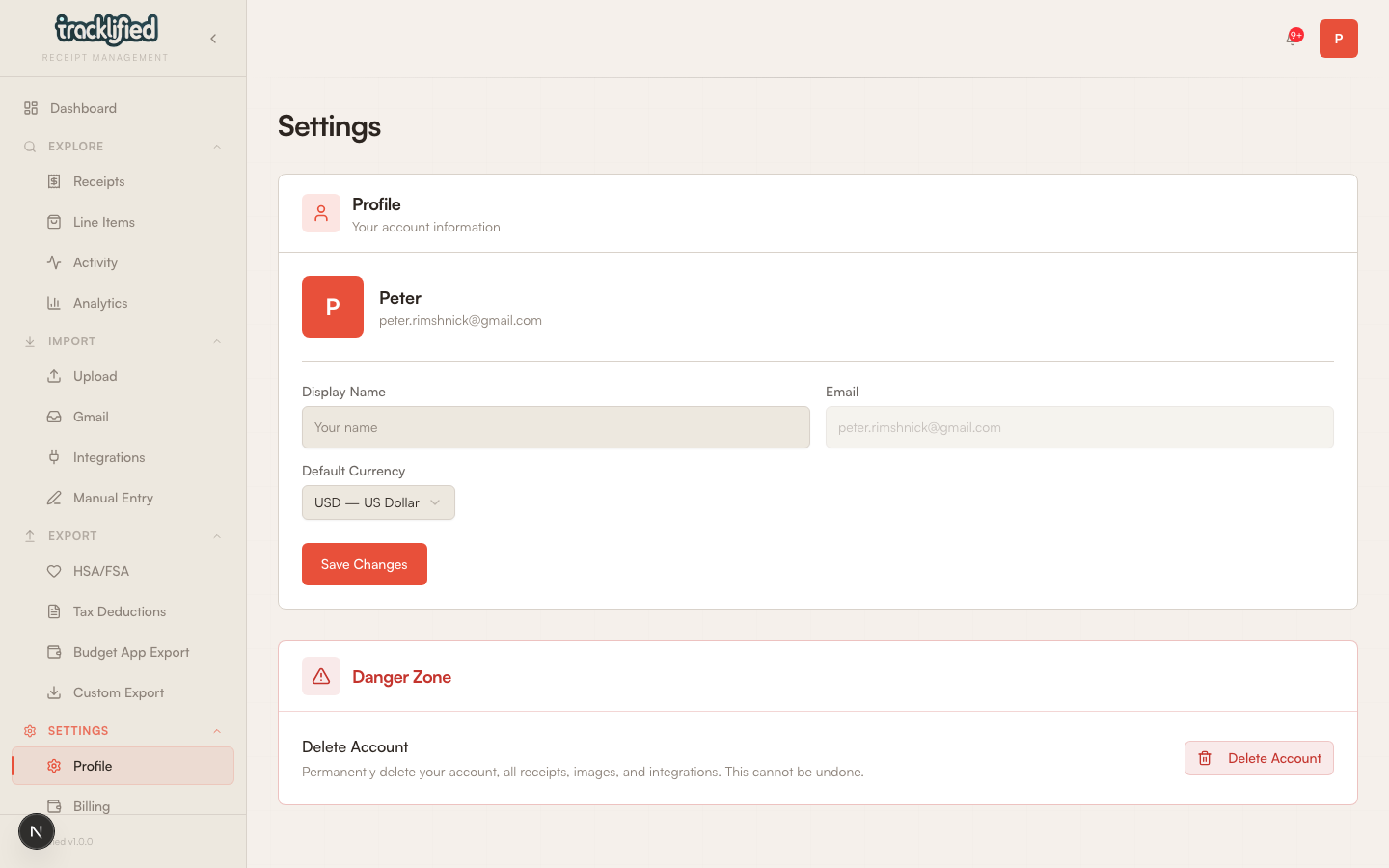
The deletion starts immediately. It cannot be undone.
What gets deleted
The account-delete flow runs best-effort cleanup of:
- Your user record
- Receipts you've uploaded (metadata and stored images)
- Line items and categories on those receipts
- Labels (your own and system labels like HSA/FSA and Tax)
- Integrations (Gmail connection, etc.)
- Your subscription and related billing records
- Your Tracklified email address (released back to the pool)
It also attempts:
- Canceling your active Stripe subscription so you're not billed again
- Removing your authentication record
What we can't guarantee from the delete flow
A few caveats:
- Third-party systems (your payment provider, email provider, and any vendors that processed receipts) have their own retention and deletion timelines. Tracklified initiates cleanup on its side but can't instantly purge records held elsewhere.
- Backups and operational logs may retain data for a limited period before rolling off on their normal schedule.
- Inbound email artifacts from before deletion may exist briefly in transit storage.
If that matters to you (e.g., for a specific compliance reason), email support@tracklified.com and we can walk you through what we can and can't guarantee in detail.
Before you delete
Consider:
- Export your data first (Exports) if you might want it later.
- Download HSA / tax packets you might need for audits.
- Cancel the subscription separately via the Billing page if you want to keep the remaining paid-period access first.
If you had a bad experience, we'd love to know why before you go. Email support@tracklified.com.