Your data is yours. Export any time, in whichever format fits the tool you're loading into.
Formats
The export endpoint supports:
- CSV — flat rows with fixed columns
- XLSX — Excel-native
- JSON — structured, for custom tooling
- ZIP — a bundle of receipt images with a metadata manifest
Fields in CSV/XLSX are fixed by the export endpoint, not user-customizable.
Budget app formats
Go to Exports → Budget App in the dashboard (/dashboard/budget-export).
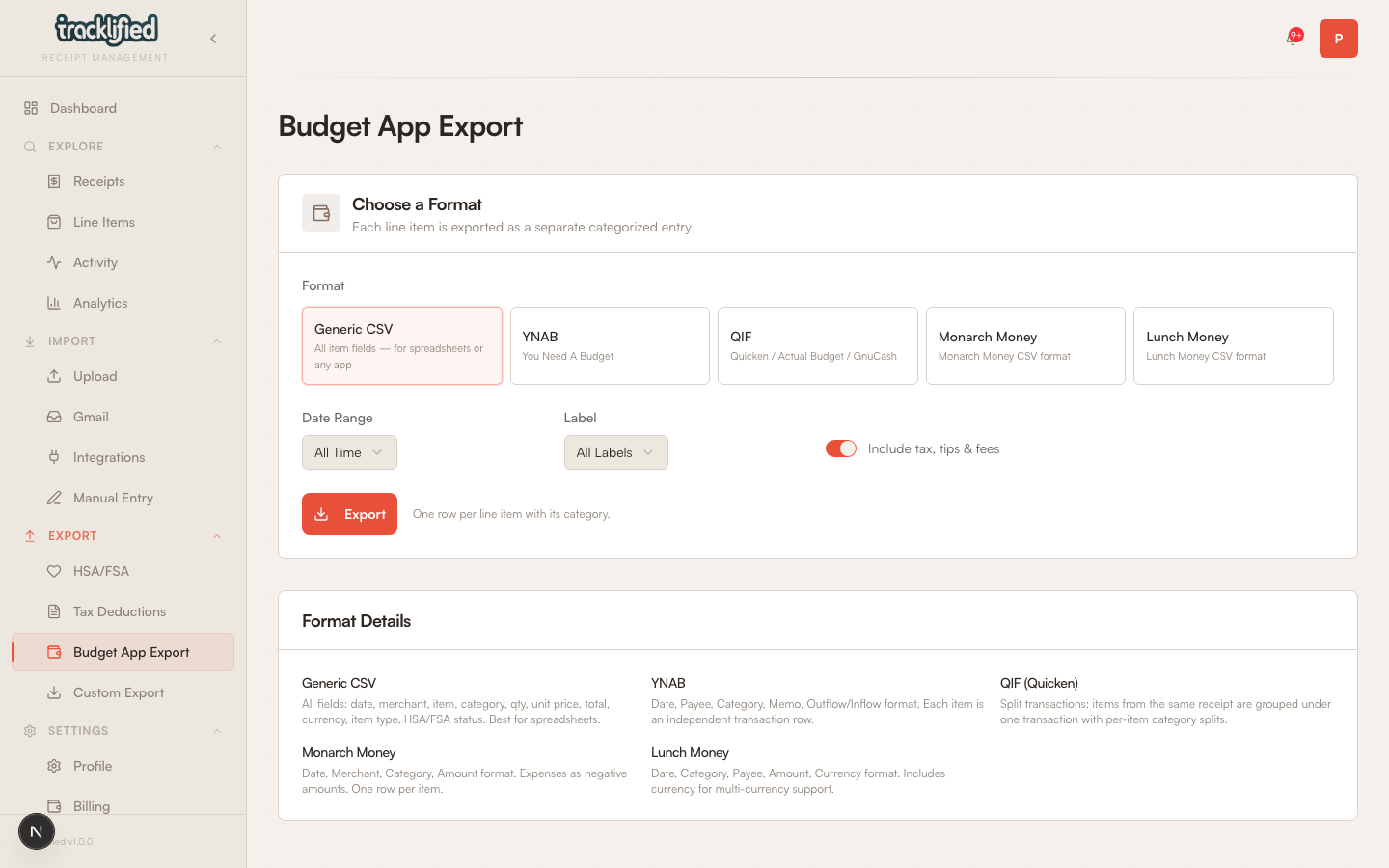
Formats available:
- YNAB — YNAB's CSV import format
- Monarch Money — Monarch's CSV format
- Lunch Money — Lunch Money's format
- QIF — the classic Quicken-compatible format
- Generic CSV — a plain CSV that most tools accept
Pick format, pick date range, download.
HSA / FSA export
See HSA and FSA receipts for the dedicated flow.
Tax export
See Tax deductions for the tax-focused flow.
Custom export
The custom export page lets you pick a date range and label filter, then pick an output format.
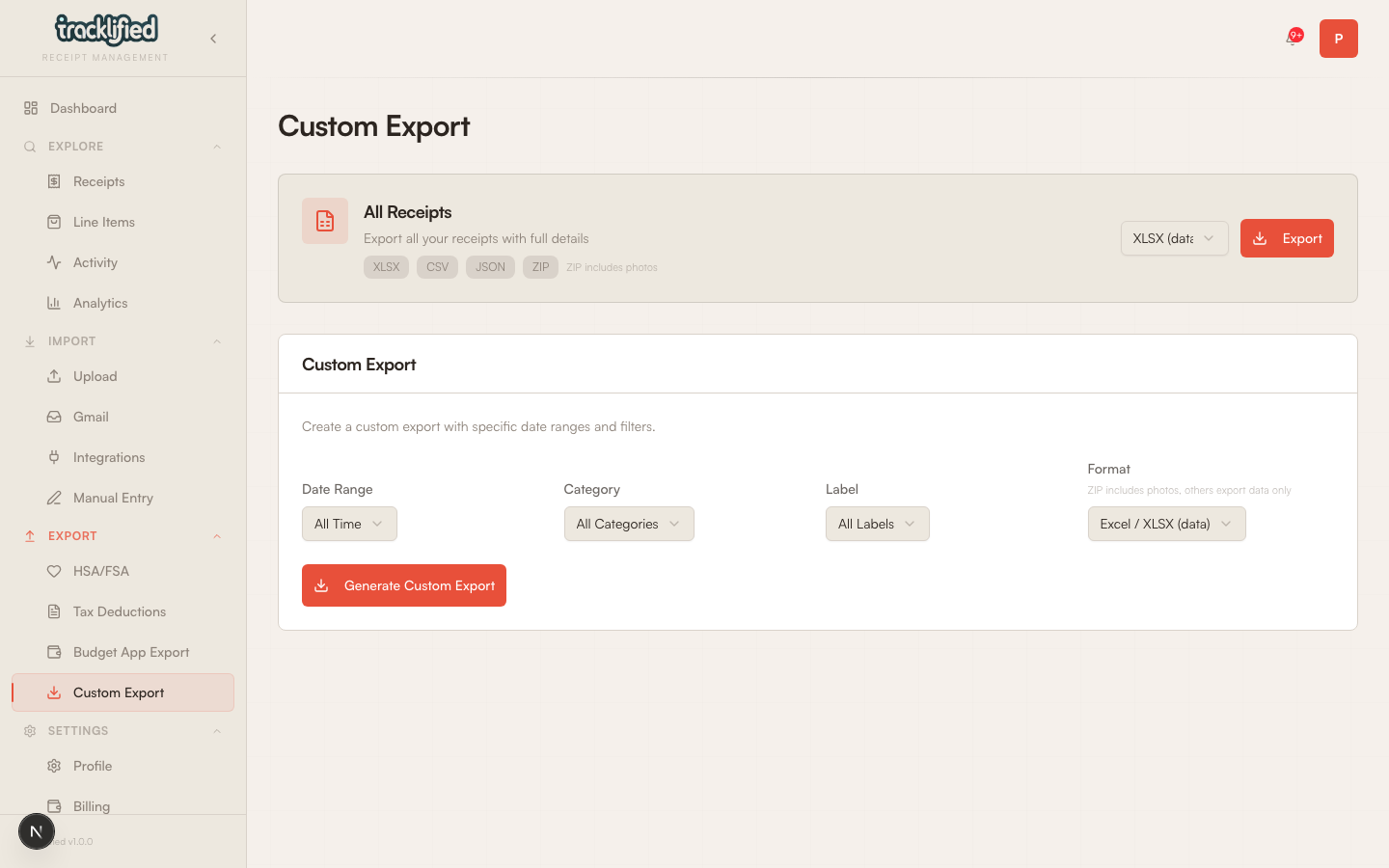
Formats: XLSX, CSV, JSON, or ZIP.
Use it for:
- Reimbursement handoff to your employer
- Handing receipts to a bookkeeper
- Loading into a spreadsheet or BI tool
Receipt images
The ZIP export is a separate format that includes receipt images alongside metadata. Pick ZIP when you need the original images, not just the structured data.