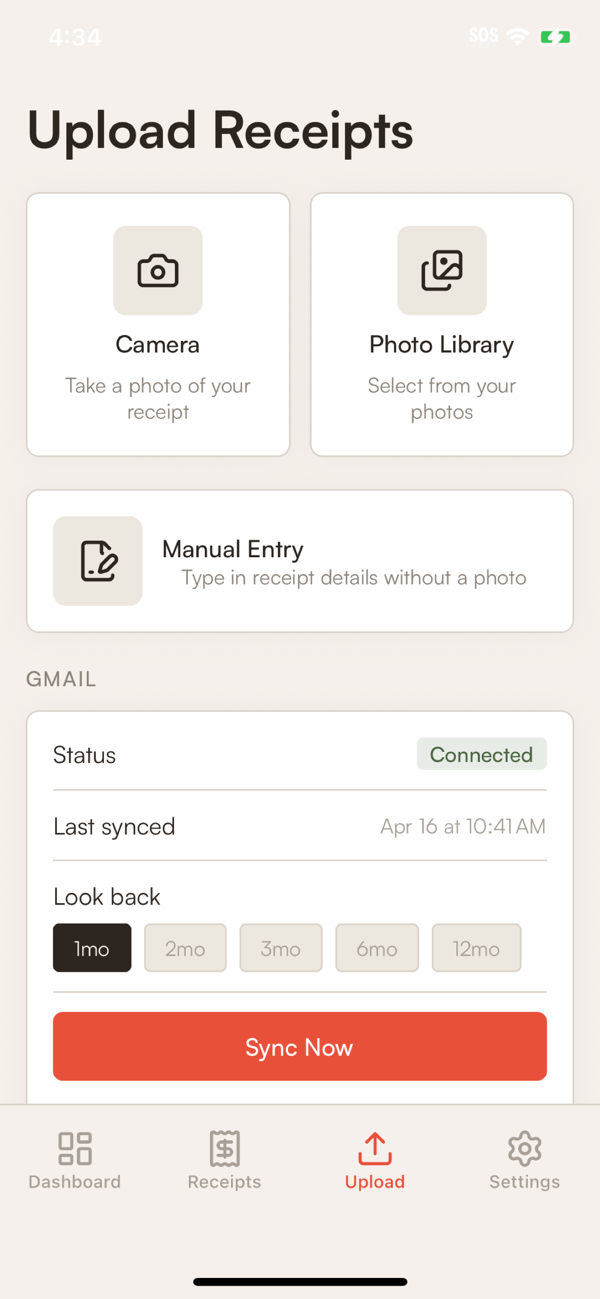
The mobile apps are the fastest way to add a paper receipt. Open camera, point, tap, done.
First time setup
- Install from the App Store or Google Play.
- Sign in with the same account you use on web (email, Google, or Apple).
- Head to the Upload screen to capture your first receipt.
Your account is shared across web, iOS, and Android. Anything you've uploaded elsewhere is already there.
Camera tips
Good lighting. Natural light or overhead kitchen light. Avoid shadows from your hand or body.
Flat surface. Lay the receipt flat. Crumpled paper works, but a flat receipt reads faster.
Fill the frame. Get close enough that the receipt fills most of the screen.
Thermal receipts (the shiny ones from restaurants and gas stations) can fade fast. Capture them same-day when you can.
If the capture is bad
The receipt detail view on web lets you edit every core field. See Editing a receipt.