All plan changes start from the Billing page.
Upgrading
If you're on Free, click Upgrade on the plan you want. Stripe Checkout handles payment, and the upgrade takes effect as soon as Stripe confirms the subscription.
Managing an active subscription
If you already have a Plus or Pro subscription, plan changes are handled through the Stripe Billing Portal. Click the link on the Billing page to open it.
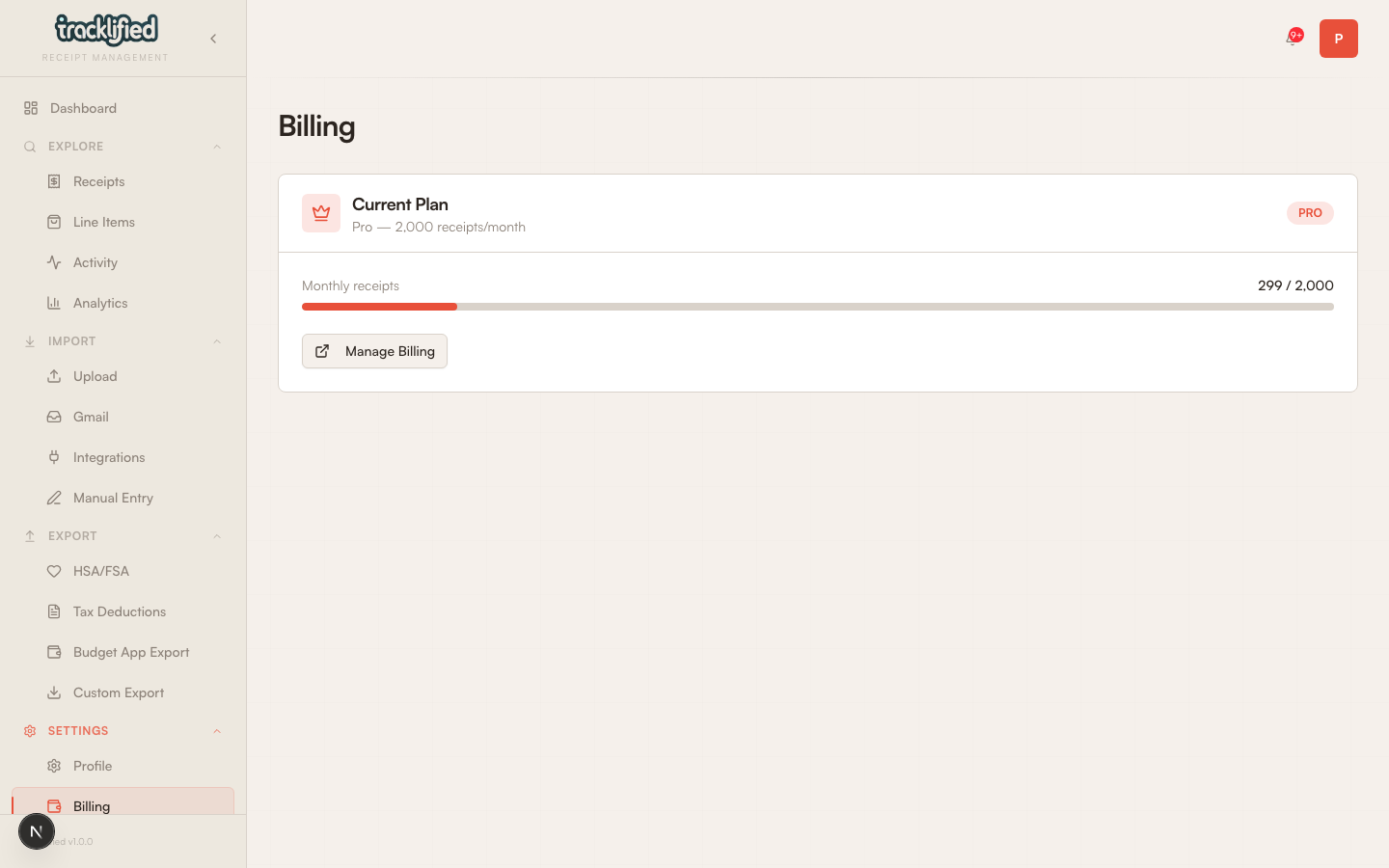
The portal is Stripe's standard customer portal. Exactly which actions are available (plan switching, payment method updates, invoice downloads, cancellation timing, proration behavior) depends on your Stripe configuration. If something you expect isn't in the portal, email support.
What happens when I exceed my free cap?
After 25 uploads in a calendar month, you can still view, search, export, and edit existing receipts. New uploads are blocked until the next monthly quota reset (the start of the next UTC calendar month) or until you upgrade.
Canceling and data
Canceling drops you to Free at the end of the period. Your data stays. Every receipt, label, and export history persists. If you resubscribe later, nothing's changed.
To delete everything permanently, see Delete your account.
Refunds
Email support@tracklified.com if something went wrong.